
StarkStream Installation Guide: 5 minutes to set your ambiance
Par Christophe · 25 September 2026
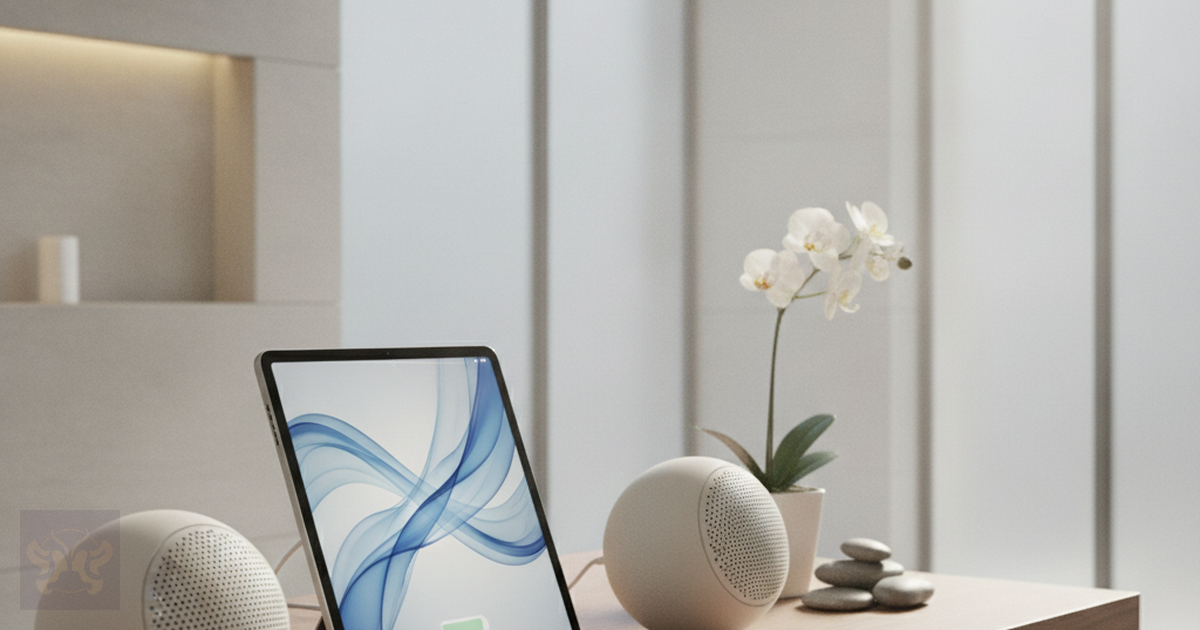
You don’t need to be a technical expert to install StarkStream in your establishment. The solution was designed for wellness professionals, not IT specialists.
Step 1: Create your account
Go to getstarkstream.com. Click on “Free Trial”. Create your account by entering your professional details.
Advantage: 7-day free trial, no credit card required. 10 hours of free listening to test the entire service.
Step 2: Connect your playback device
StarkStream works on any connected device. From a computer, plug it into your speaker or existing audio system. From a tablet, ideal for touch control in each zone. From a smartphone, convenient for small spaces. From a professional audio system, connect directly from the application.
No complex network configuration. No software installation. No specific equipment to buy. If you have an internet connection and a speaker, you are ready.
Step 3: Choose and schedule your ambiance
Once connected, browse the 14 available radio stations. Preview each station. Select the one that matches the moment and the space.
You can change stations in one click, schedule your week in advance, create distinct zones, and add voice messages with StarkStream Voice.
Do you prefer offline?
No stable internet connection in your establishment? Opt for StarkStream packs. Download studio-quality MP3 files to your device, and play them without any network dependency. The new 1-hour and 2-hour packs with continuous mixing are perfect for loop playback.
Total time
Account creation: 2 minutes. Device connection: 1 minute. Ambiance selection: 2 minutes. Total: 5 minutes flat.
StarkStream is designed for wellness professionals. No need to be a tech pro to use it daily.